Nubank's Pay by Tap turns phones into instant payment tools
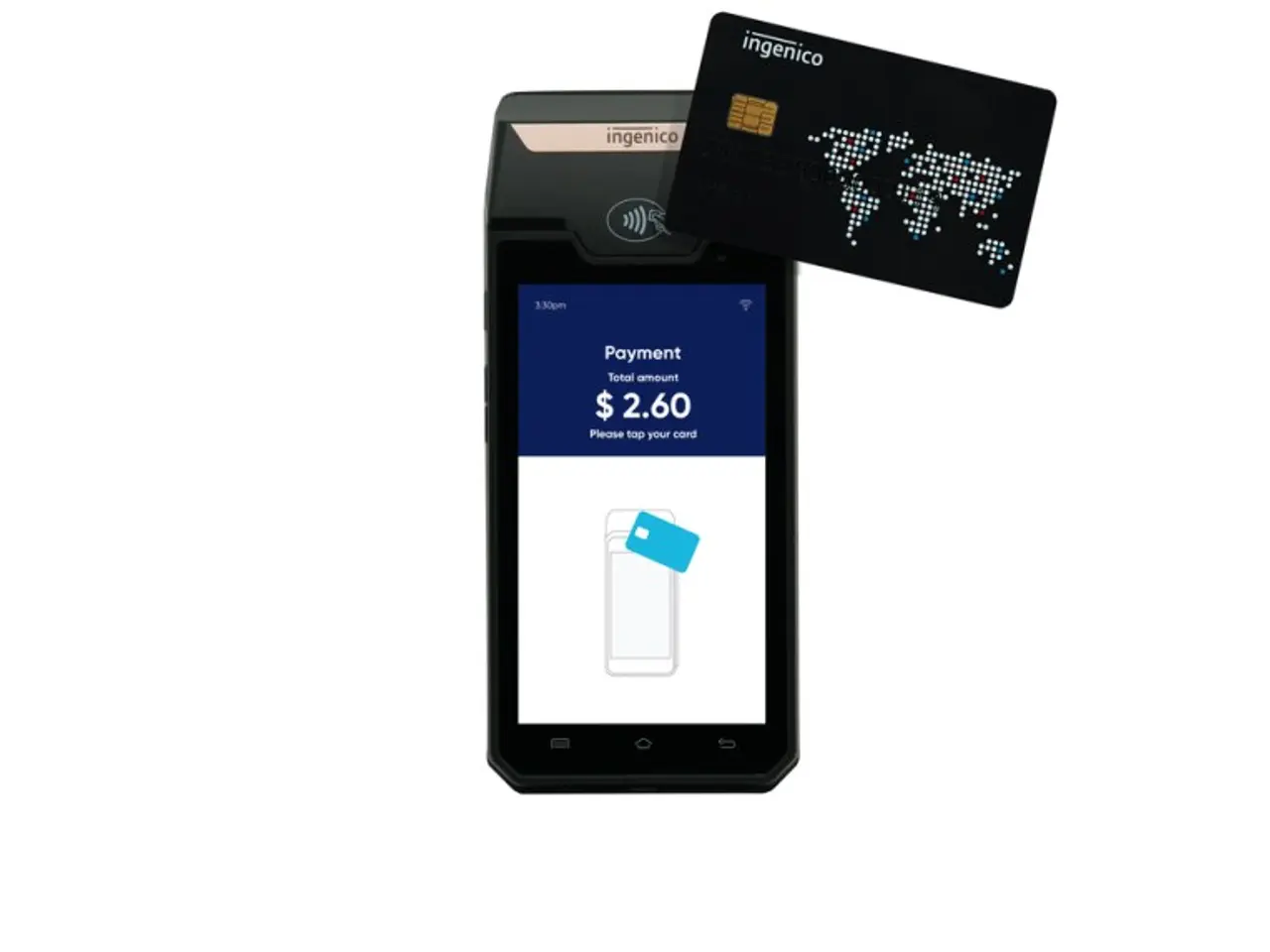
Nubank, one of the largest digital financial services platforms in the world, announces an evolution in its contactless payment experience with the "Pay by Tap" feature, integrating Pix (either one-time or in installments of up to 12 times), debit, and credit into a single payment flow on the phone. The new feature allows customers to make payments simply by bringing their device close to terminals compatible with contactless technology, with no need for a physical card.
With this innovation, Nubank now offers a complete solution for in-person payments, which will be gradually rolled out to customers using Android devices with NFC technology.
"The goal is to simplify the customer's payment journey as much as possible, especially for daily Pix use. By integrating Pix, debit, and credit into a single contactless payment flow, we combine convenience, security, and flexibility into a seamless experience. This way, customers can use their phone as their primary payment method, without having to switch between different steps or carry a physical card, while also reducing the risk of fraud and theft," says Fausto Ibarra, Vice President of Digital Ecosystem at Nubank.
How it works
- Look for "Tap to Pay" under My Cards or "Contactless Pix" in the Pix section.
- Setup is automatic. When accessing the tool, a virtual card is created and tokenized-no manual steps required.
- Tap your phone to pay at any terminal, whether using Pix or a debit/credit card.
- For added convenience, set Nubank as the default wallet on your device or add a shortcut to your Android home screen.
All payments require authentication via device biometrics or password, in addition to Nubank's existing security layers. Tokenization ensures that card data is not shared with the merchant, enhancing protection against fraud.